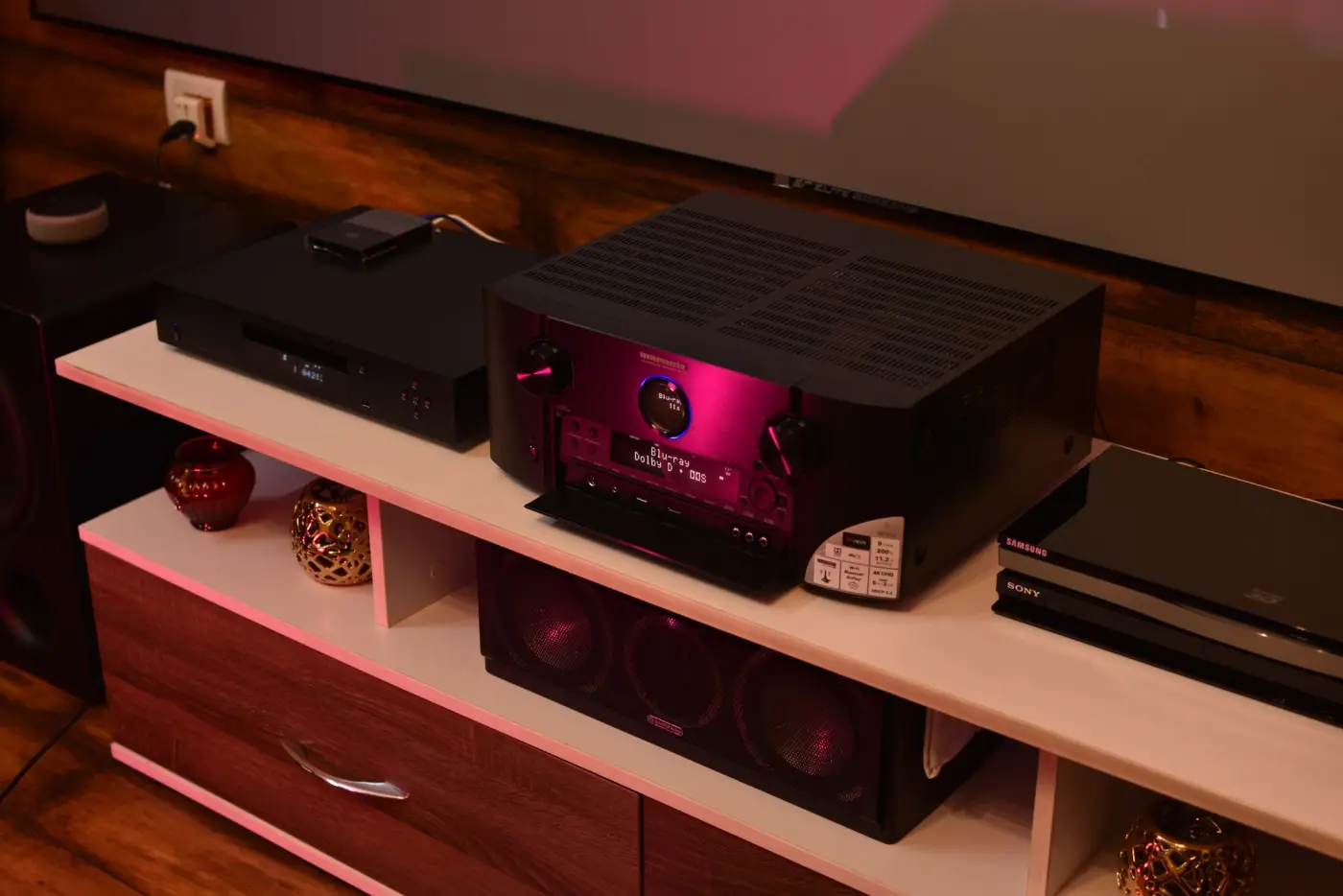
Receiver names are full of numbers, and they do not all mean the same thing. Two receivers can both decode Dolby Atmos and still drive very different speaker layouts. Count your speakers first, then read the specifications for three figures: how many channels the receiver powers, how many it can process, and how many subwoofer outputs it has.
Count the speakers
Dolby names a layout with three numbers: the speakers around you at ear level, then the subwoofers, then the height speakers. 5.1.2 is five ear-level speakers, one subwoofer and two height speakers; 7.1.4 is seven, one and four.
Every speaker needs its own amplifier channel. Most home subwoofers have their own amplifier and take only a signal cable, so they do not count. Add the first and last numbers: 5.1.2 needs 7 channels, 5.1.4 and 7.1.2 need 9, and 7.1.4 needs 11. Upward-firing Dolby Atmos enabled speakers count like ceiling speakers: Dolby notes that four of them need a receiver with four height outputs.
Powered, processed and the .4
A receiver’s name usually gives its amplifier channels. The specifications often add a second, larger figure: the channels it can process, meaning the outputs it can feed if you add an amplifier. Denon’s AVR-X3800H is a typical example: nine power amplifiers, processing for 11.4 channels and pre-outputs for all of them, so it can run 7.1.4 with a two-channel power amplifier for the extra pair.
The second number, the 4 in 9.4, is the number of subwoofer outputs, not the number of subwoofers you need. Denon lists the X3800H’s four as independent outputs. More outputs make it easier to add a second subwoofer later.
Then check how the amplifiers are assigned. On the X3800H the default setting, 7.1ch + ZONE2, gives two of the nine amplifiers to a second room, so the main room plays at most 7.1 channels at once. A 5.1.4 or 7.1.2 system needs the 9.1ch setting, and 7.1.4 needs 11.1ch with an external amplifier on the pre-outputs. Other receivers have a similar setting in their setup menu, often called something like Amp Assign.
Count the speakers first. Then read the receiver for three numbers: powered, processed and subwoofer outputs.
Reading the watts
Power figures can only be compared when they are measured the same way. Denon’s US page for the same receiver gives three: 105 W into 8 ohms from 20 Hz to 20 kHz at 0.08 % distortion with two channels driven; 135 W into 6 ohms at 1 kHz at 0.7 % with two channels; and 215 W into 6 ohms at 1 kHz at 10 % distortion with one channel. All three describe the same amplifier. When you compare receivers, compare the same load, frequency range, distortion and number of channels driven.
Speaker impedance matters too. Denon’s manual asks for speakers rated 4 to 16 ohms, with a setting of 8, 6 or 4 ohms chosen by the lowest-rated speaker connected. Check your speakers’ rating against your receiver’s manual before you connect them.
Choosing the size
Buy for the layout you will actually build, with room for the next step. If 5.1.2 is the plan now and 5.1.4 later, a nine-channel receiver covers both. If 7.1.4 is the goal, either buy an eleven-channel receiver or check that a nine-channel model processes eleven channels and has pre-outputs, so a two-channel amplifier can be added later.
Before you choose, make sure the room can take the layout. Our room check works out whether 7.1.4 fits and where each speaker would go. In the design studio, the amplifier card counts the channels for any layout and, if you enter the receiver you own under Your equipment, says whether it can run it or what to add.