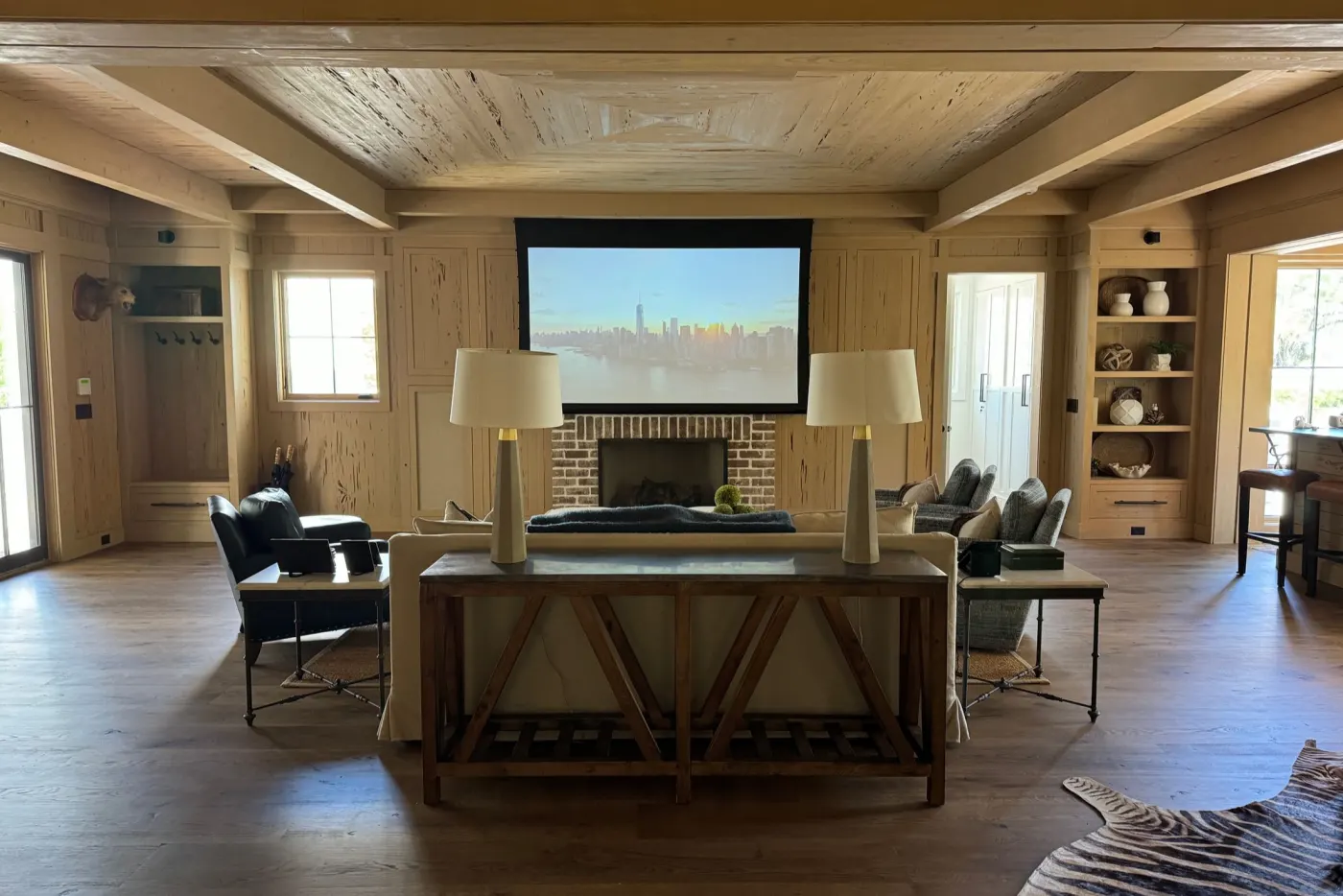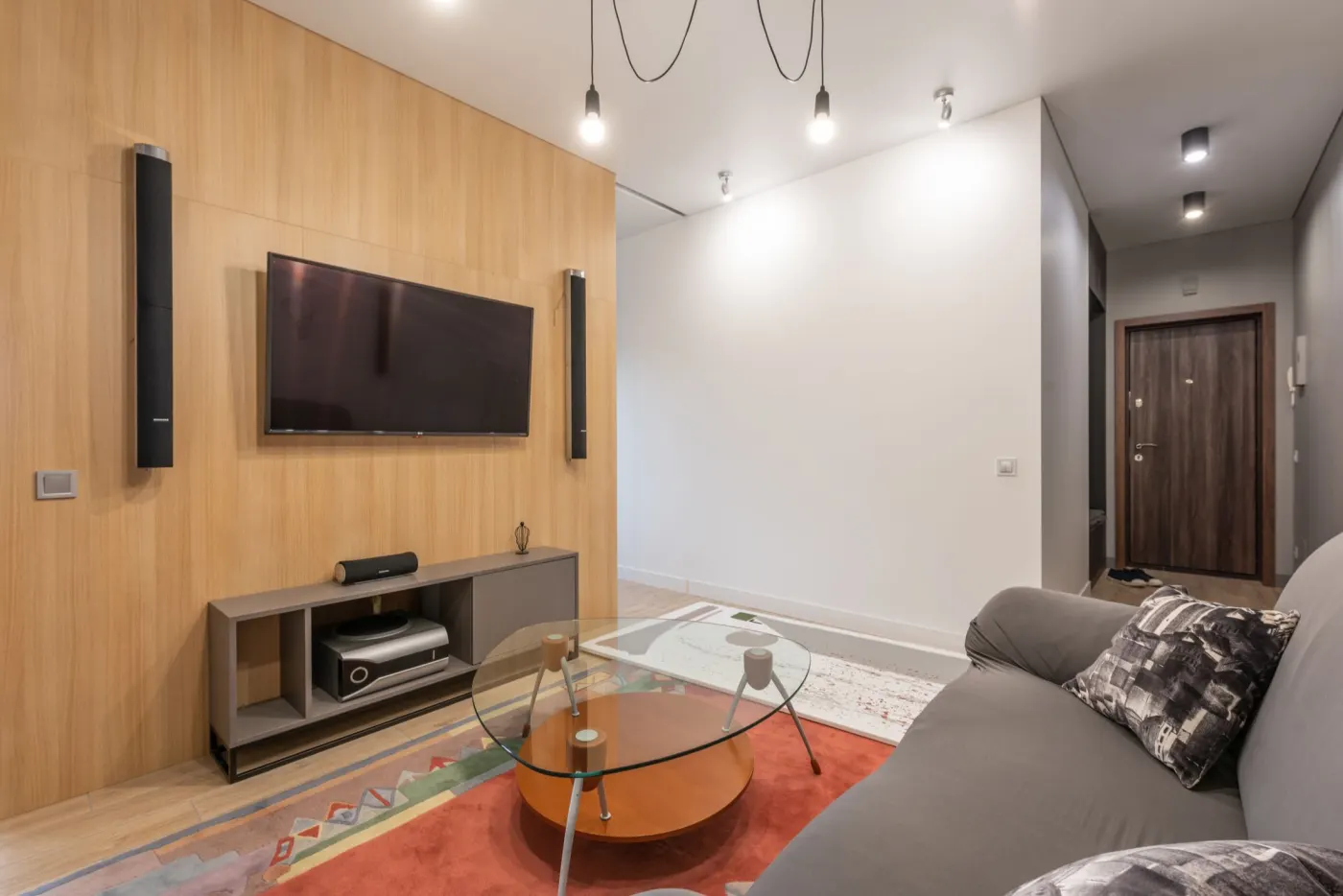
Every room changes how a speaker sounds, most of all in the bass. Room correction measures what actually reaches your seats and adjusts the receiver to compensate. Which system you have usually depends on the receiver you bought, but they do not all do the same things, and knowing the differences tells you what is worth adjusting.
What they all do
Each system plays test signals through every speaker and records them with a microphone at several seats. From those measurements it sets each speaker’s distance and level and calculates equalisation filters that make the speakers sound more alike at your seats and closer to a target response.
The differences are in the details: how many microphone positions they measure, how far up the frequency range they correct, whether they deal with timing as well as level, what they do with more than one subwoofer, and how much of the result you can change afterwards.
None of them can move a speaker for you. Correction works best on a system whose speakers and subwoofer are already well placed, because a deep cancellation at the seat cannot be filled in by boosting it.
Audyssey and Dirac Live
Audyssey MultEQ is built into Denon and Marantz receivers, in versions such as MultEQ XT and MultEQ XT32. Current Denon and Marantz manuals describe measuring up to eight positions and recommend six or more. On the receiver you choose a curve: Reference (the default, with a slight treble roll-off for films), Flat, L/R Bypass or Off. Extras include Dynamic EQ, Dynamic Volume and, on some models, Sub EQ HT, which corrects two or more subwoofers for their levels and distances. To change the target curve or limit how high the correction goes, you need the paid MultEQ Editor app, or MultEQ-X on Windows.
Dirac Live runs on Denon and Marantz receivers as a paid licence used from a computer, and on other makers’ products, including Onkyo, Pioneer and Integra receivers, Arcam, NAD and StormAudio; some models include it. Dirac sells a limited-bandwidth licence that corrects 20–500 Hz and a full-bandwidth one that covers 20 Hz–20 kHz, and says both improve the impulse response, the timing of the sound, as well as its frequency response. You set the correction range yourself, can edit or import the target curve, and can keep three filters. Dirac does not set crossovers: you set those on the receiver.
Dirac adds two paid extras on supported products. Bass Control treats the subwoofers and the main speakers as one system and corrects their timing together. Active Room Treatment uses all the speakers to tame bass resonances, roughly 20–150 Hz, and shorten how long they ring; it is available on several current Denon and Marantz models.
Place the speakers well. Then let the correction finish the job.
YPAO and Anthem ARC
YPAO is Yamaha’s own system. Its multi-position measurement takes up to eight positions, starting at the seat you use most, and on models supplied with a microphone pole it also measures the angle of each speaker and the height of the presence speakers. Yamaha says its R.S.C. (reflected sound control) applies corrective EQ to speakers affected by reflections from nearby surfaces. You pick a result, YPAO:Flat, YPAO:Front or YPAO:Natural, and can copy it into the manual parametric EQ to fine-tune it, rather than drawing your own target curve.
Anthem Room Correction, ARC Genesis, is a free Windows and Mac program for Anthem, Paradigm and MartinLogan products. Anthem’s guide measures five positions: the main seat at ear height, then four around it in an X, two a little lower and two a little higher. By default it corrects up to 5 kHz, and you can raise that to 20 kHz for each group of speakers. Its professional mode lets you shape the target with room gain, a deep-bass boost and a tilt, and set crossovers per group.
How to choose, and how to check
Usually the choice is made by your receiver. On Denon and Marantz, Audyssey is included and Dirac Live is an upgrade you buy; Yamaha has YPAO; Anthem has ARC. Comparing them system against system matters less than using the one you have well: measure every position it asks for, with the microphone where the manual says and the room quiet.
The most useful settings to know are the ones that change the result most: the target curve, how high the correction reaches, and, with several subwoofers, how they are combined. Our target curve maker builds a curve for REW or Dirac Live, and the REW Analyzer reads Audyssey’s own .ady files.
Whatever the system, a measurement before and after tells you what it did. Measure with Room EQ Wizard, open the files in the REW Analyzer and compare the bass at each seat; if a correction has made one seat better and another worse, that is worth knowing before you settle on it.