Audyssey is the room correction built into Denon and Marantz receivers. Most disappointing results trace back to the set-up rather than the system: a microphone in the wrong place, a noisy room or a subwoofer left on its own settings. The manuals are clear about all three.
Before you start
Set the subwoofer up first. If it has a direct or bypass mode, use it; otherwise the Denon manual says to set its volume to the 12 o’clock position, its crossover to the maximum, its low-pass filter off and its standby mode off, so the receiver alone decides what it plays.
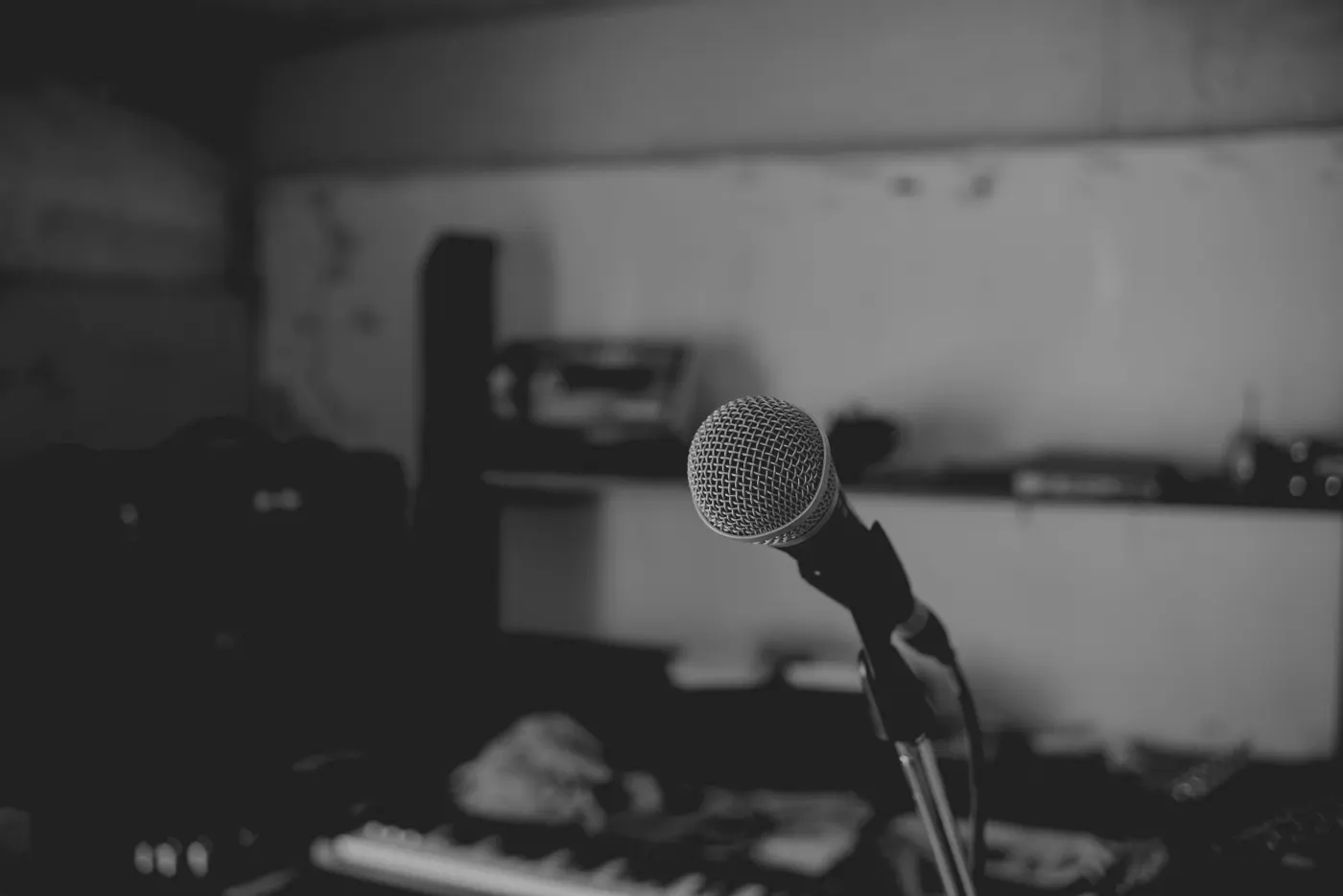
Make the room as quiet as you can: close the windows and turn off the air conditioning, radios and fluorescent lights, and keep phones out of the room. Then put the supplied microphone on its stand or on a camera tripod, tip pointing at the ceiling, at seated ear height. Many owners avoid resting it on a sofa cushion, which can move and absorbs sound; that is common practice rather than a line in the manual.
The microphone positions
The first position must be your main seat. Audyssey uses it to calculate each speaker’s distance, level and polarity and the subwoofer’s crossover, so it matters more than the rest.
Denon and Marantz recommend six or more positions, up to eight, each within 60 cm (2 ft) of the first, and at least 50 cm from a wall. Do not stand between the speakers and the microphone while it measures.
Early in the run the receiver checks the subwoofer’s level and asks for about 75 dB at the microphone; outside 72–78 dB it shows an error. Turn the subwoofer’s own volume control until it is in range, and do the same for a second subwoofer when asked.
The first microphone position is your seat. Treat it that way.
Afterwards: what to check and set
Look at the results under Details. A subwoofer can show a longer distance than you measured with a tape: its electronics add delay, and the measurement includes it. Leave that value as Audyssey set it. Changing speaker sizes, distances, levels or crossovers by hand does not switch Audyssey off, but enabling a new speaker after the run does: run the calibration again instead.
80 Hz is the default crossover, which Denon says will work best with the widest variety of speakers; small speakers may need a higher one. For the curve, Reference is the default and the one recommended for films, with a slight treble roll-off; Flat suits small rooms and close seating.
Dynamic EQ keeps the bass and surrounds in balance as you turn the volume down. Its Reference Level Offset says how loud the material was mixed: 0 dB for films, 5 dB for classical music and very wide dynamic range, 10 dB for jazz and TV, 15 dB for pop, rock and heavily compressed material. Dynamic Volume evens out loud and quiet passages for late-night listening. These settings are kept for each input and do not apply in Direct or Pure Direct.
Going further
The paid Audyssey MultEQ Editor app, for supported Denon and Marantz receivers from the 2016 models onwards, shows the measurements before and after correction and lets you edit the target curve for each pair of channels, set how high the correction reaches, choose between two treble roll-off curves and switch midrange compensation on or off. It saves the calibration so you can load it again; on Windows, MultEQ-X goes further still.
The app saves a calibration as an .ady file. Open it in the REW Analyzer on this site and you can see what Audyssey measured at every microphone position, channel by channel, and how much the bass varies between seats, before you change anything.
Common mistakes, from the manuals’ own warnings: noise in the room, people or objects between the speakers and the microphone, the microphone too close to a wall or more than 60 cm from the main seat, a subwoofer level outside the 72–78 dB window, and switching off while the results are saving.